Inspection checklists that work the way your process does.
Replace spreadsheets and paper forms with checklist templates your quality team creates and adjusts. Each template says what to inspect, how to record it and which criterion decides the result.
What you get
Fields from your process
Text, integer or decimal, yes or no, date, attachment and location. Each field can be required, optional or required only when the check fails.
Three kinds of check
Measurements with tolerance, catalog defects with severity and generic checks. Combine all three in one template, in the order the inspector works.
Acceptance criteria per field
Set rules such as “greater than”, “less than or equal to”, “equal” or “is filled”. The check result comes from the rule, not from the inspector's judgment.
Instructions for inspectors
Write the criterion of each check in formatted text, so everyone inspects the same way, from new hires to veterans.
How it works
Build the template
Pick the checks, the fields and the order of the inspection.
Set the rules
Required fields, photos, acceptance criteria and the sampling plan.
Use it on every order
One template creates checklists for orders, products or SKUs.
Industries using it
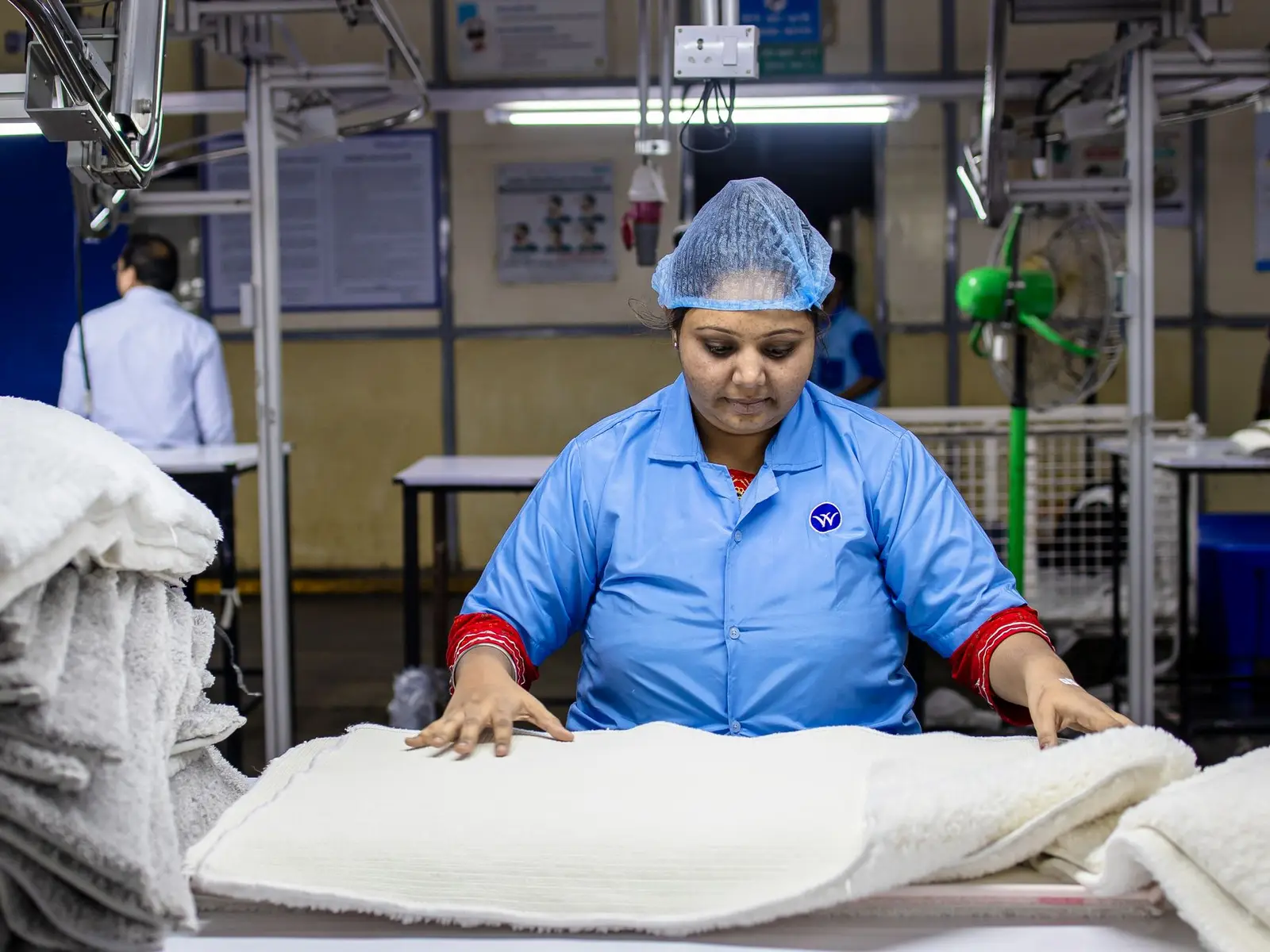
Apparel and textiles
Size-based measurements, sewing and fabric defects, and pre-shipment lot inspection.
Where it usually gets stuckMeasurements checked in spreadsheets, with no clear tolerance per size.
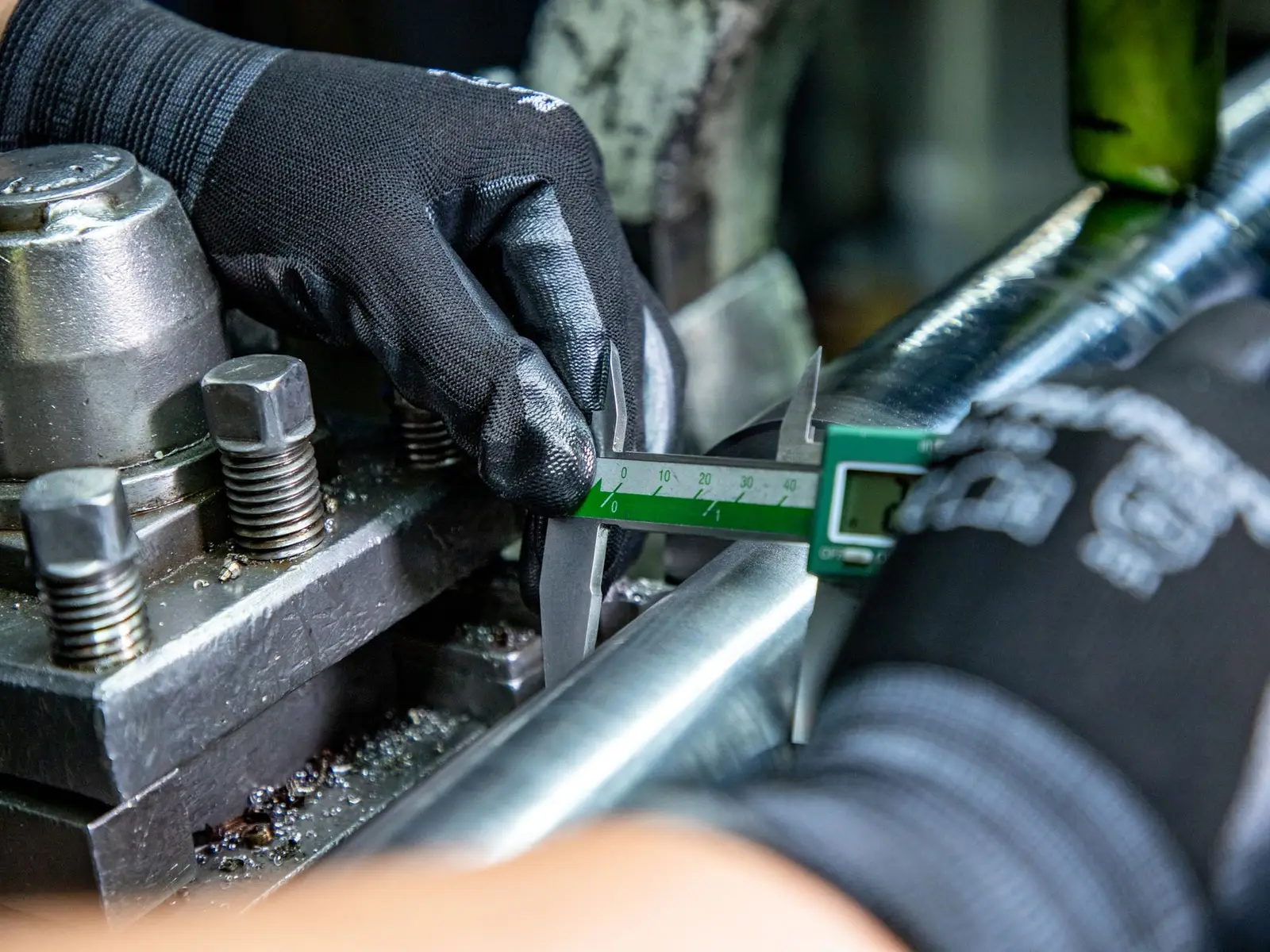
Auto parts and metalworking
Dimensions with tolerance, visual inspection and traceability of every lot and change.
Where it usually gets stuckDimensions written on paper and typed in later.

Construction materials
Materials and components for building sites: measurements, squareness, shade and packaging checked per lot.
Where it usually gets stuckShade or caliber differences found only during installation.
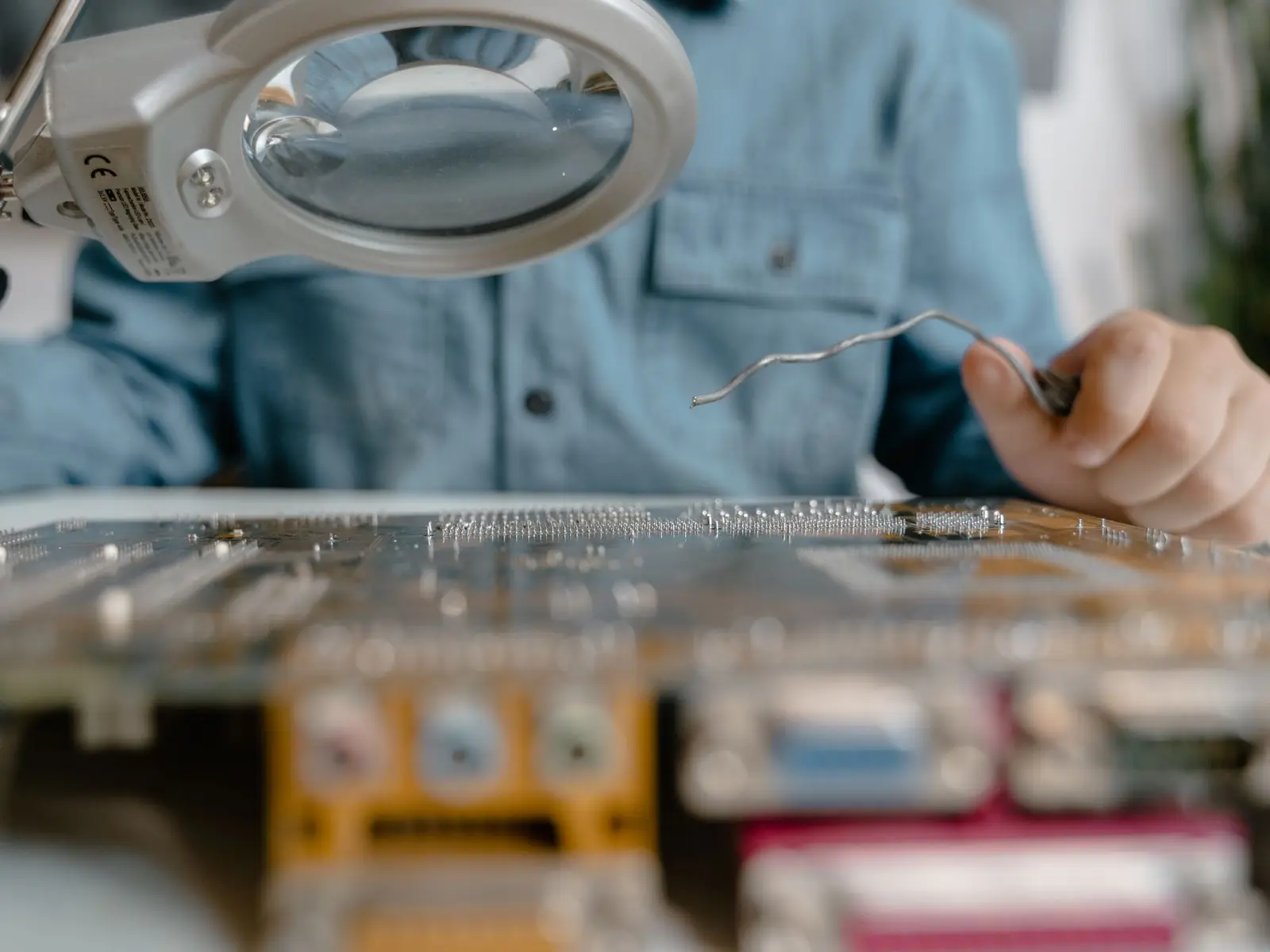
Electronics and appliances
Functional and safety tests, markings and packing, with a trail of every result.
Where it usually gets stuckFunctional tests skipped when deadlines are tight.

Food and nutrition
Net weight, labeling, lot and expiry date, packaging and foreign matter checked per lot.
Where it usually gets stuckLabeling, lot and expiry date checked by eye, with no record.
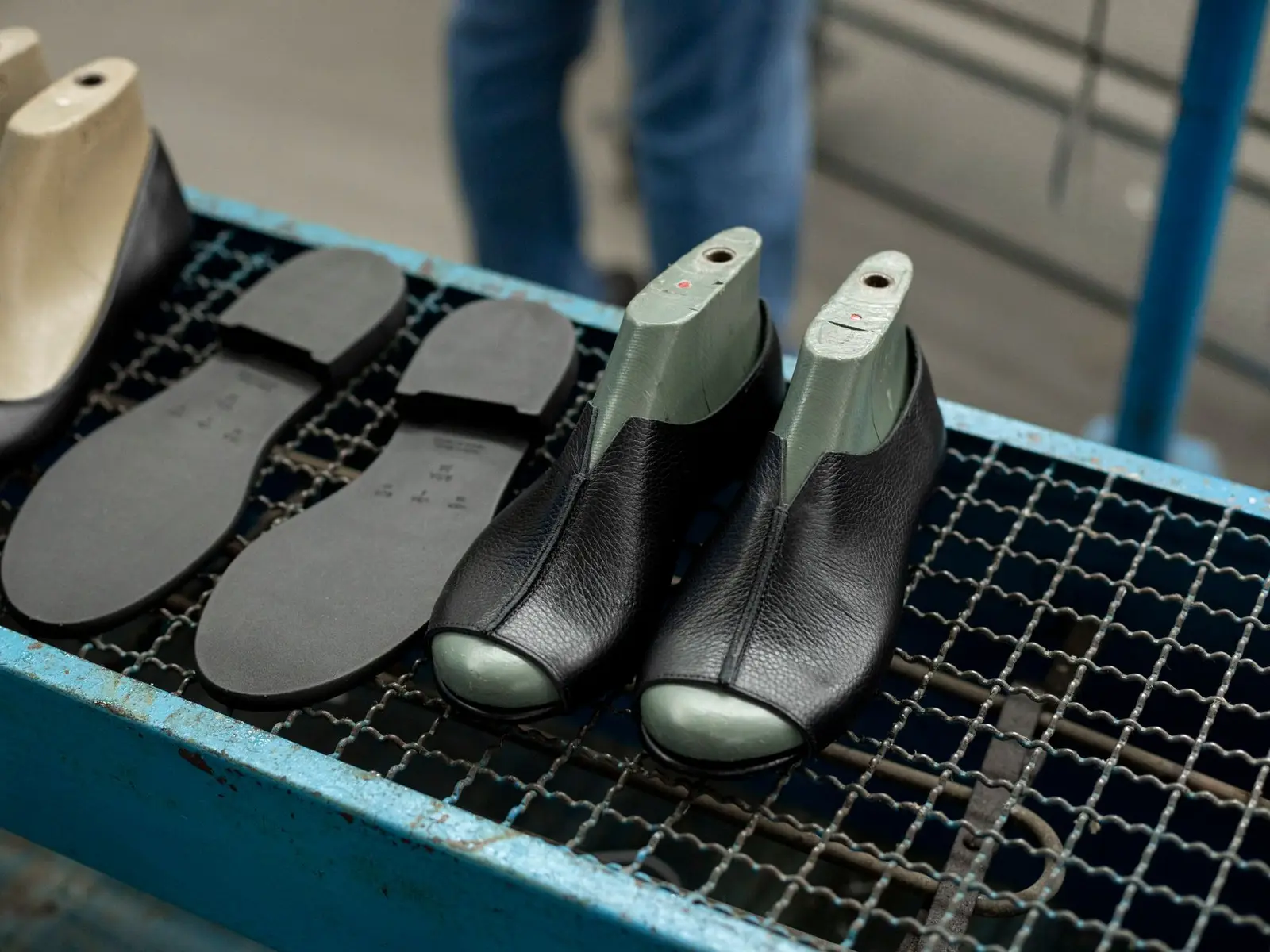
Footwear and accessories
Bonding, stitching, pair symmetry and finish, with photos of every defect.
Where it usually gets stuckAppearance criteria that change from inspector to inspector.

Furniture and home decor
Dimensions, assembly, finish and packing checked at the supplier or at receiving.
Where it usually gets stuckDimensions checked without a set tolerance.
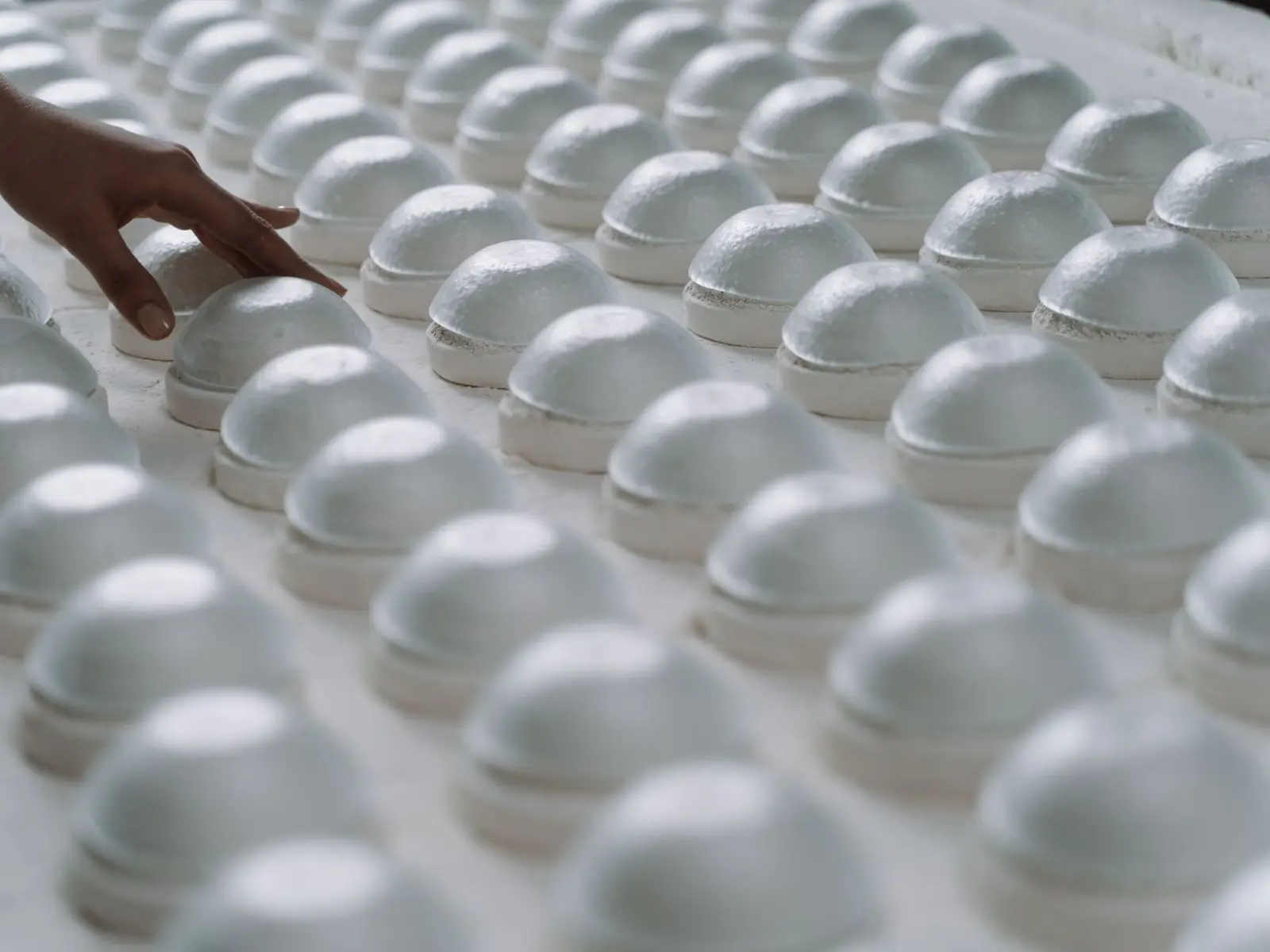
Housewares
Many SKUs and suppliers, imported by spreadsheet and inspected to one standard.
Where it usually gets stuckA catalog too large to enter by hand.
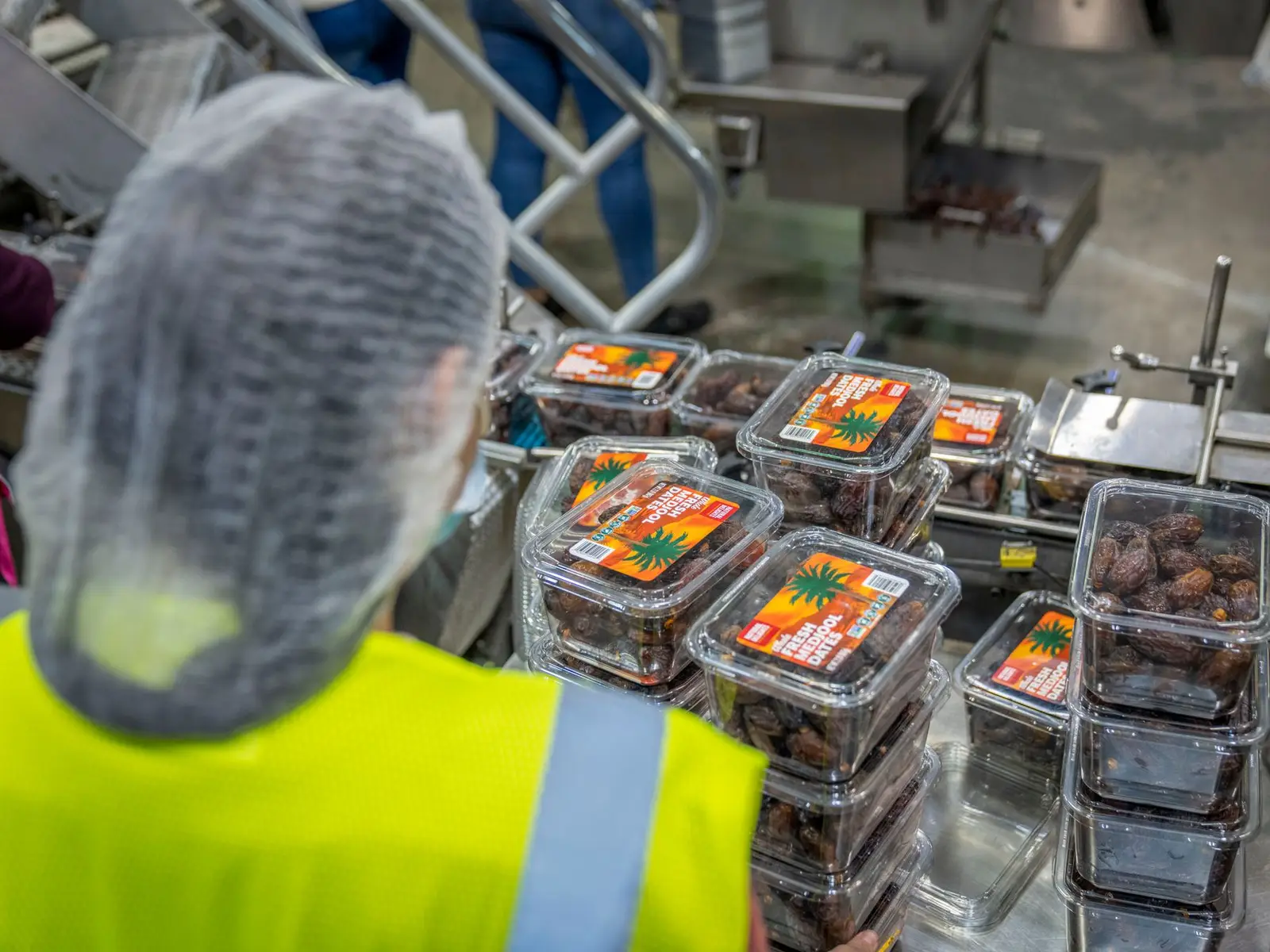
Packaging
Dimensions, print, strength and high lot volumes, tracked on the dashboard.
Where it usually gets stuckLarge, frequent lots, with no time for spreadsheets.
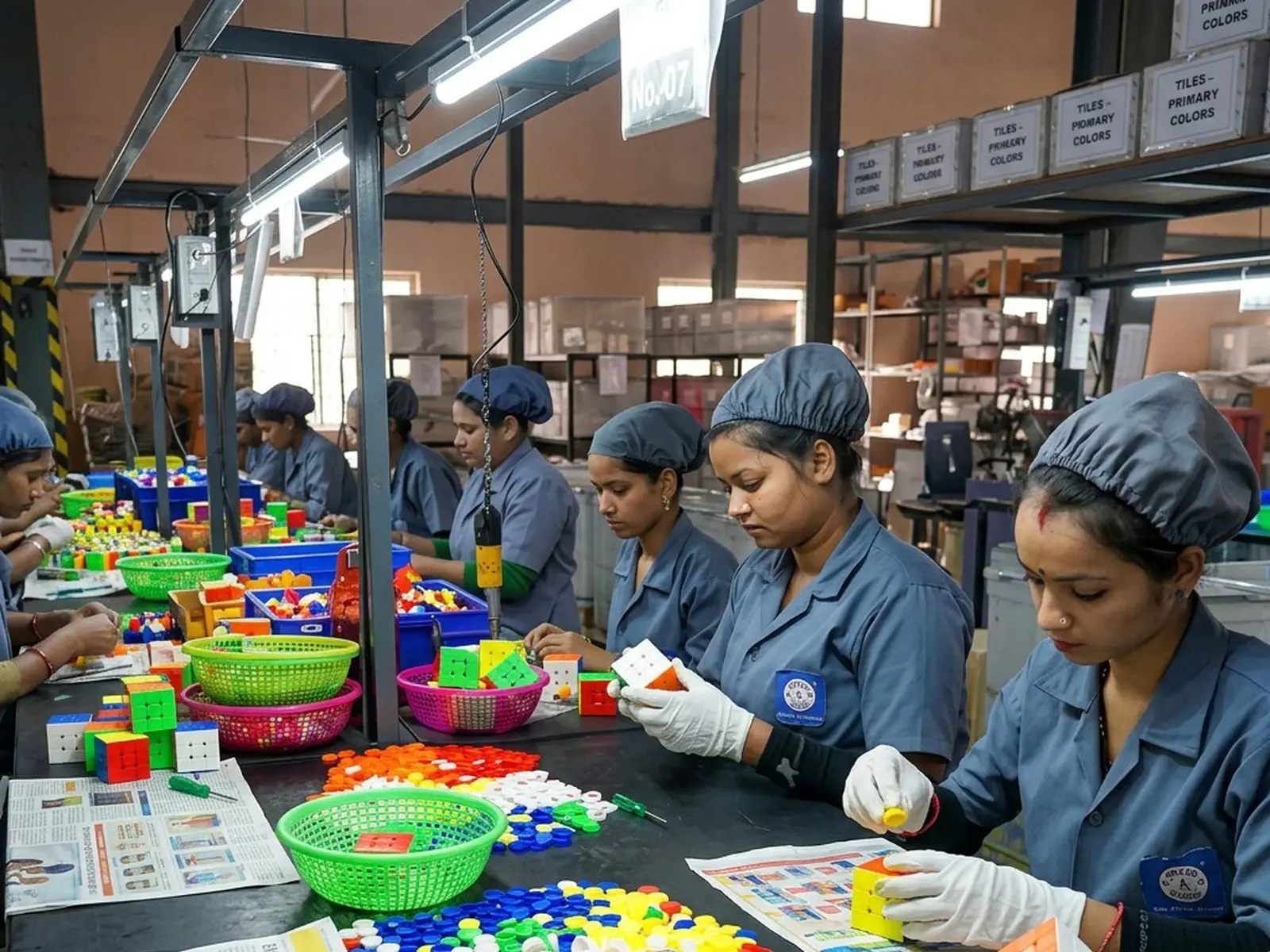
Toys and children's products
Small parts, points and edges, markings and packing, with evidence kept for every lot.
Where it usually gets stuckSafety defects that must reject the lot at once.
Frequently asked questions
Do I need a developer to change a checklist?
No. Templates are configured in the platform by the quality team, and a change applies to the next checklists created from the template.
Can I require a photo when a defect is found?
Yes. A field can be required only when the check fails, and defects can require attachments before the checklist is finished.
Other features
See Traqer in your inspection process.
In 30 minutes, we show you how to set up a checklist template and a sampling plan for one of your products.
30 min · no commitment · reply within 1 business day