A report your customer can verify.
When the checklist is finished, issue the PDF report with your logo, the result, measurements, defects and photos. The QR code on the report lets anyone confirm the inspection was finished and the report issued.

What you get
With your brand
The report carries your organization's logo, ready to send to the customer, the supplier or the auditor.
Verification QR code
Scanning the code confirms the checklist was finished and the report issued, with who issued it and when.
Excel exports
Export checklists, orders and products with filters, for your own analysis or to share with other teams.
How it works
Finish the checklist
Only finished checklists produce a report.
Issue the report
The PDF is generated and attached to the checklist, with date and author.
Share it
Send the PDF; the QR code leads to the inspection's confirmation.
Industries using it
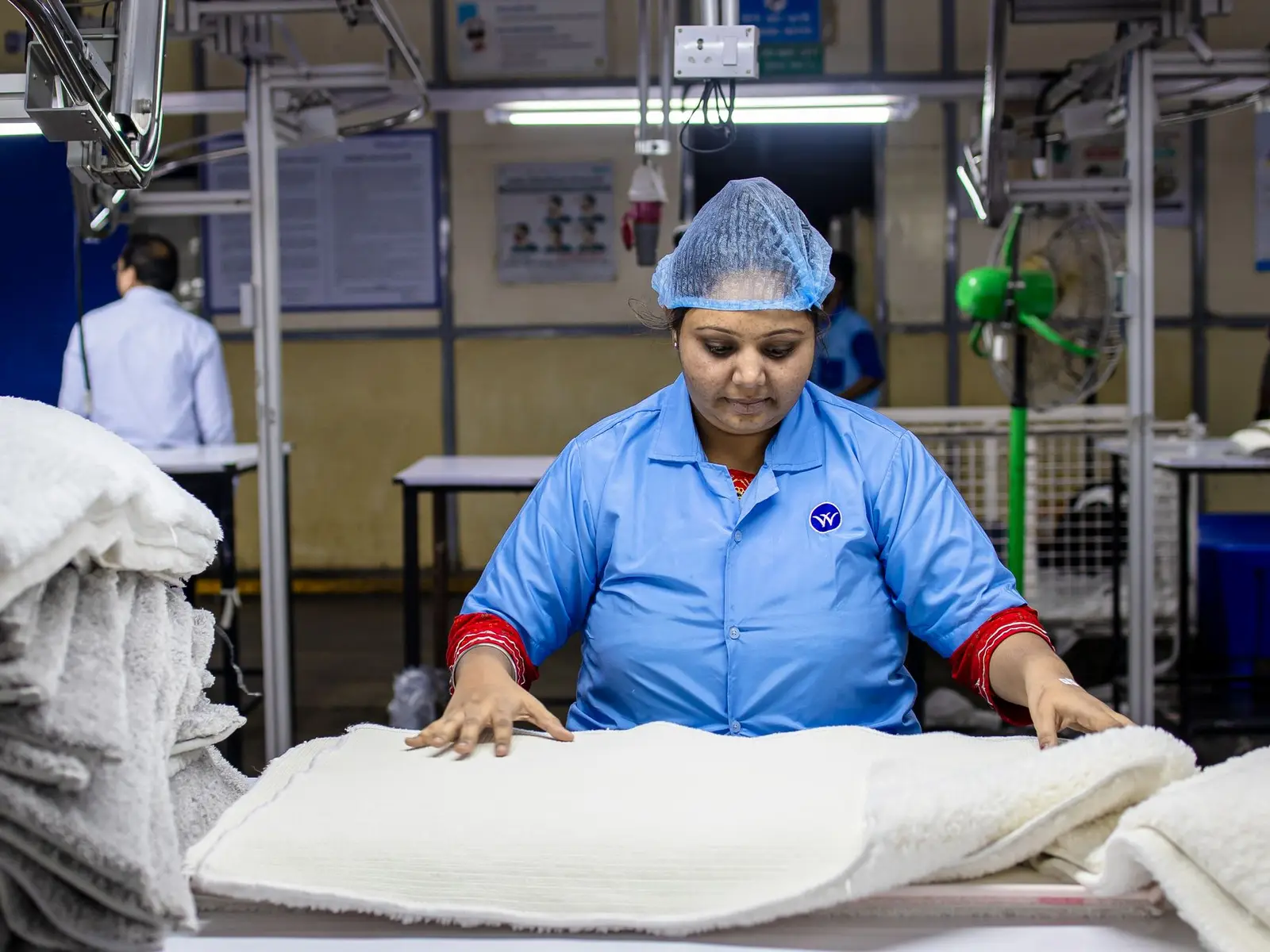
Apparel and textiles
Size-based measurements, sewing and fabric defects, and pre-shipment lot inspection.
Where it usually gets stuckMeasurements checked in spreadsheets, with no clear tolerance per size.
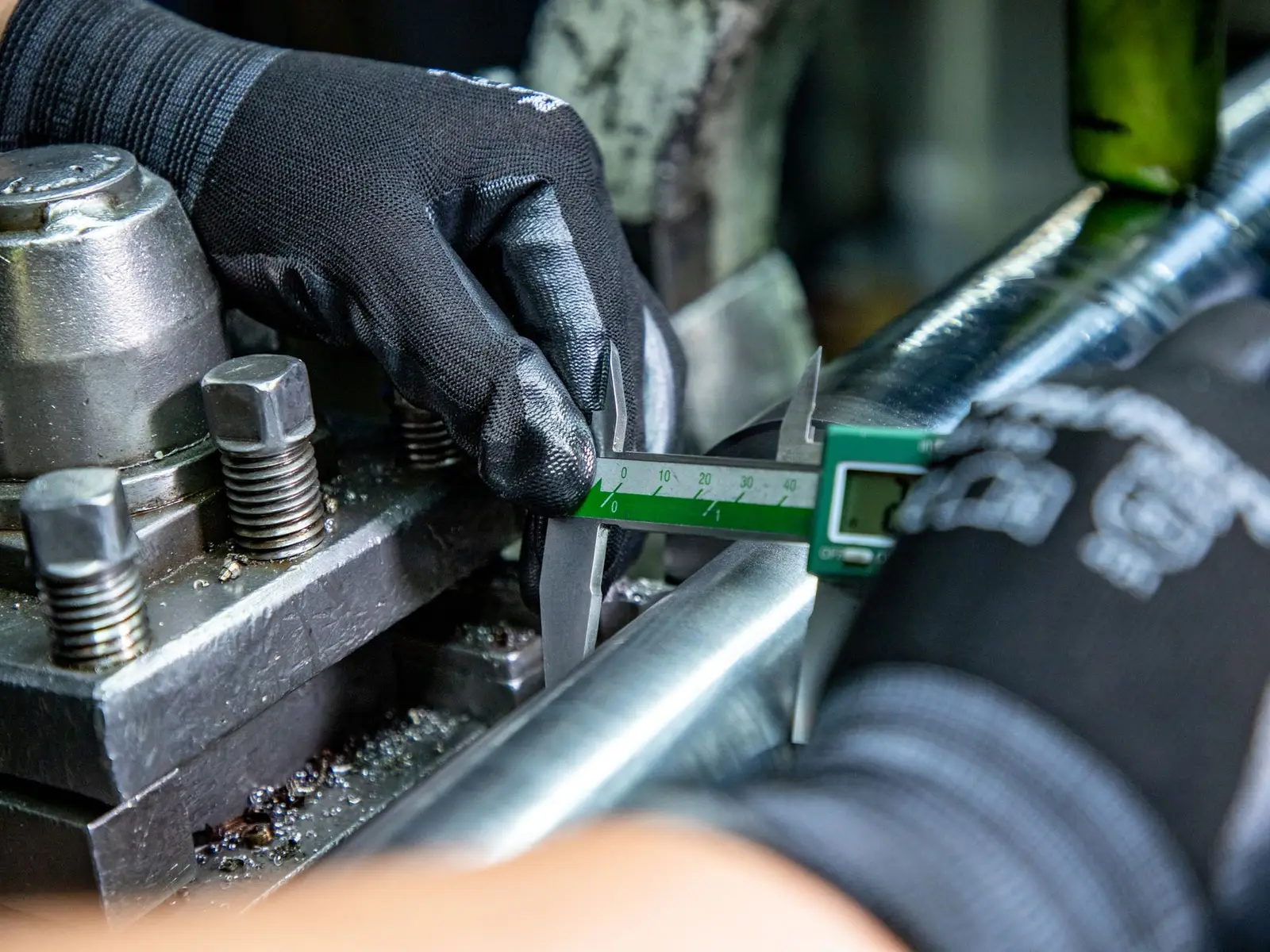
Auto parts and metalworking
Dimensions with tolerance, visual inspection and traceability of every lot and change.
Where it usually gets stuckDimensions written on paper and typed in later.

Construction materials
Materials and components for building sites: measurements, squareness, shade and packaging checked per lot.
Where it usually gets stuckShade or caliber differences found only during installation.
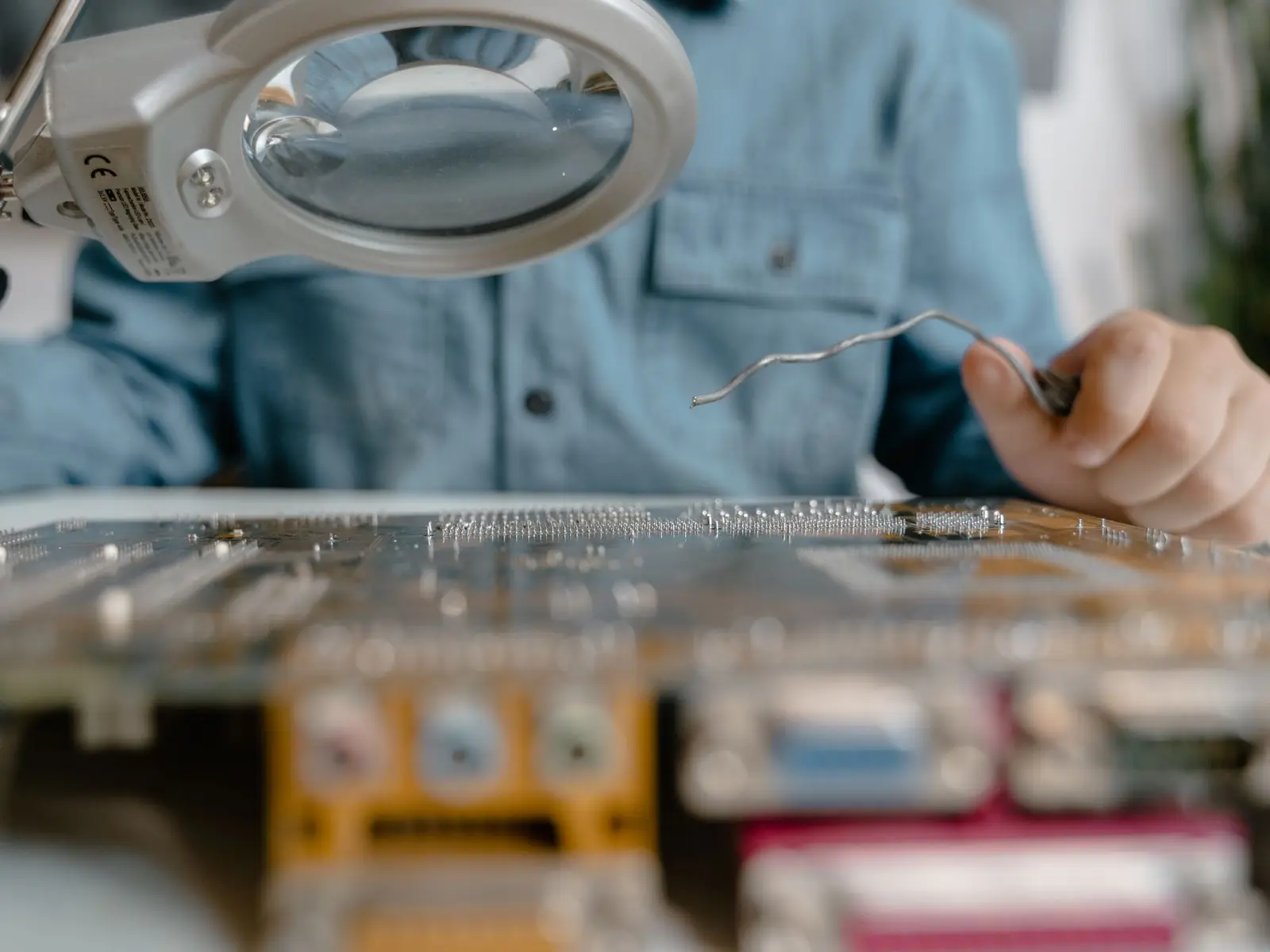
Electronics and appliances
Functional and safety tests, markings and packing, with a trail of every result.
Where it usually gets stuckFunctional tests skipped when deadlines are tight.

Food and nutrition
Net weight, labeling, lot and expiry date, packaging and foreign matter checked per lot.
Where it usually gets stuckLabeling, lot and expiry date checked by eye, with no record.
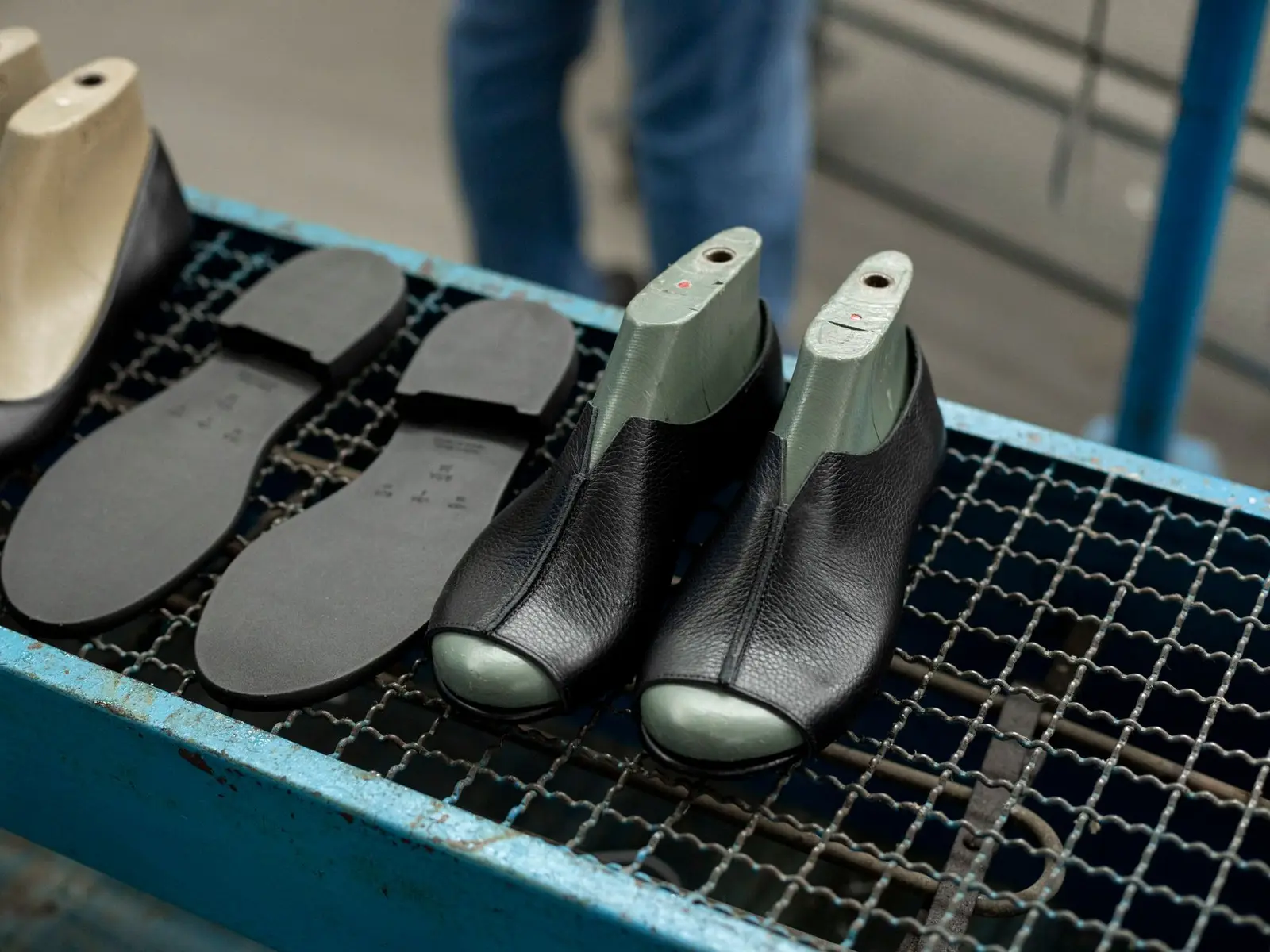
Footwear and accessories
Bonding, stitching, pair symmetry and finish, with photos of every defect.
Where it usually gets stuckAppearance criteria that change from inspector to inspector.

Furniture and home decor
Dimensions, assembly, finish and packing checked at the supplier or at receiving.
Where it usually gets stuckDimensions checked without a set tolerance.
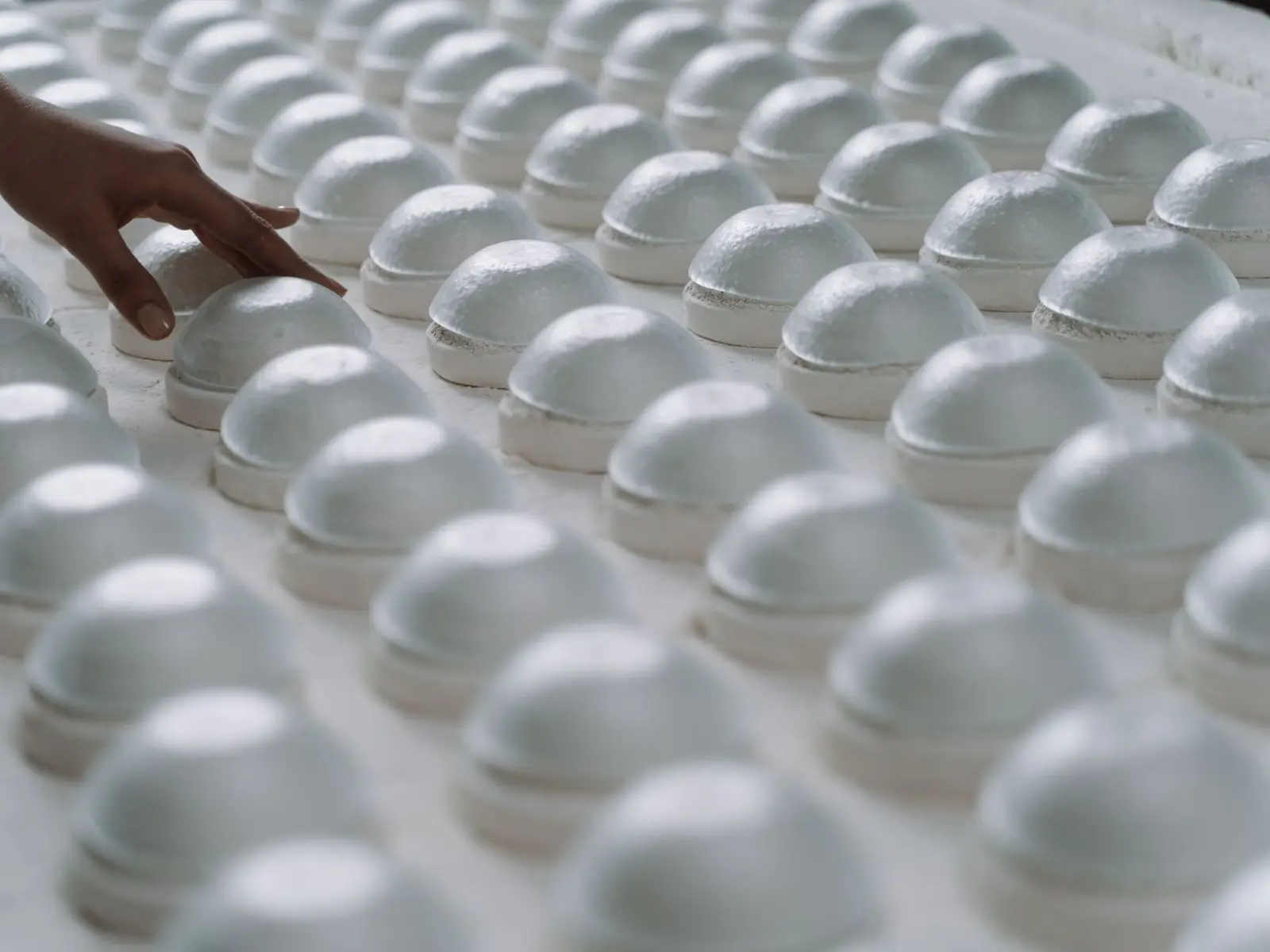
Housewares
Many SKUs and suppliers, imported by spreadsheet and inspected to one standard.
Where it usually gets stuckA catalog too large to enter by hand.
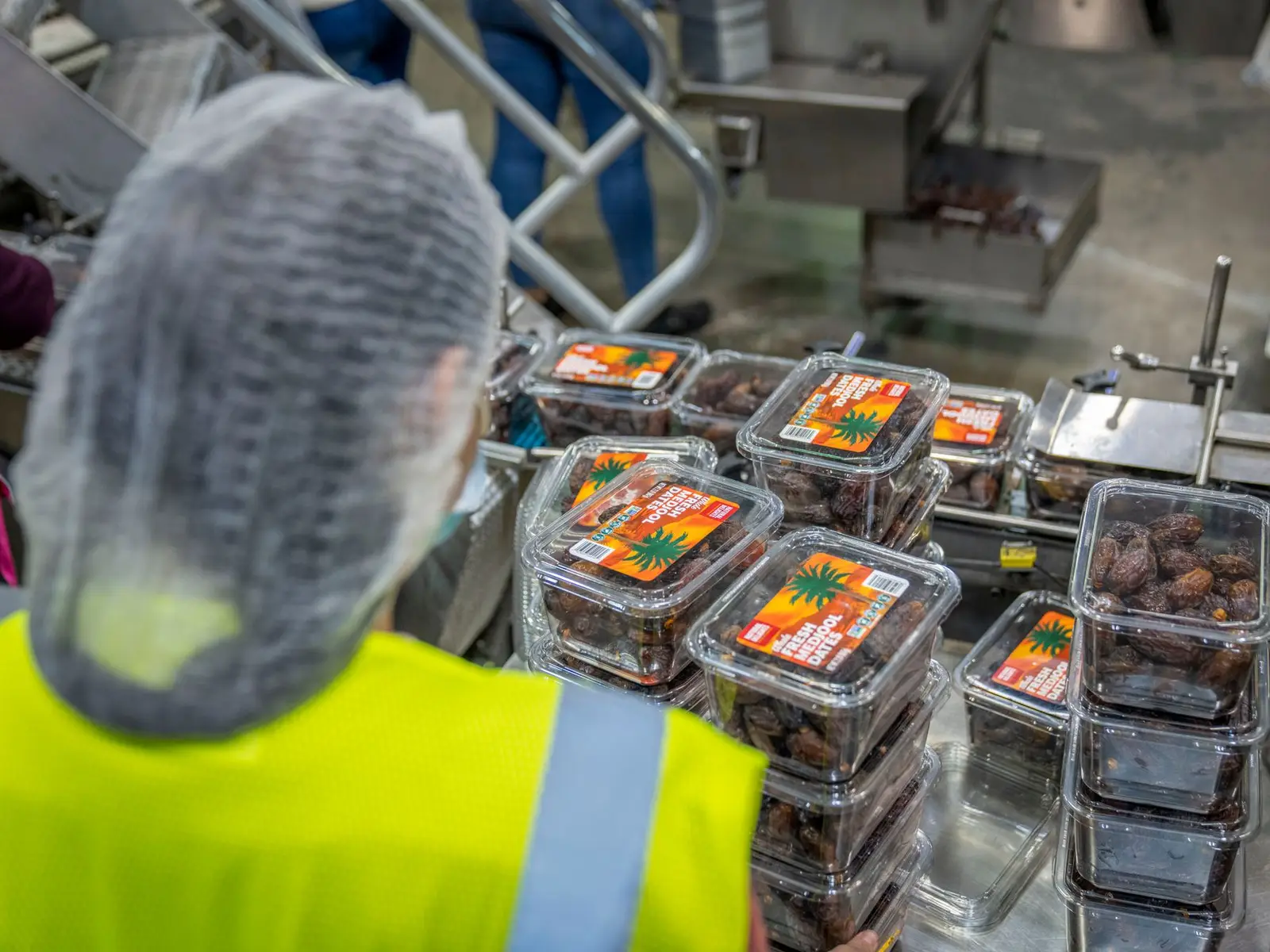
Packaging
Dimensions, print, strength and high lot volumes, tracked on the dashboard.
Where it usually gets stuckLarge, frequent lots, with no time for spreadsheets.
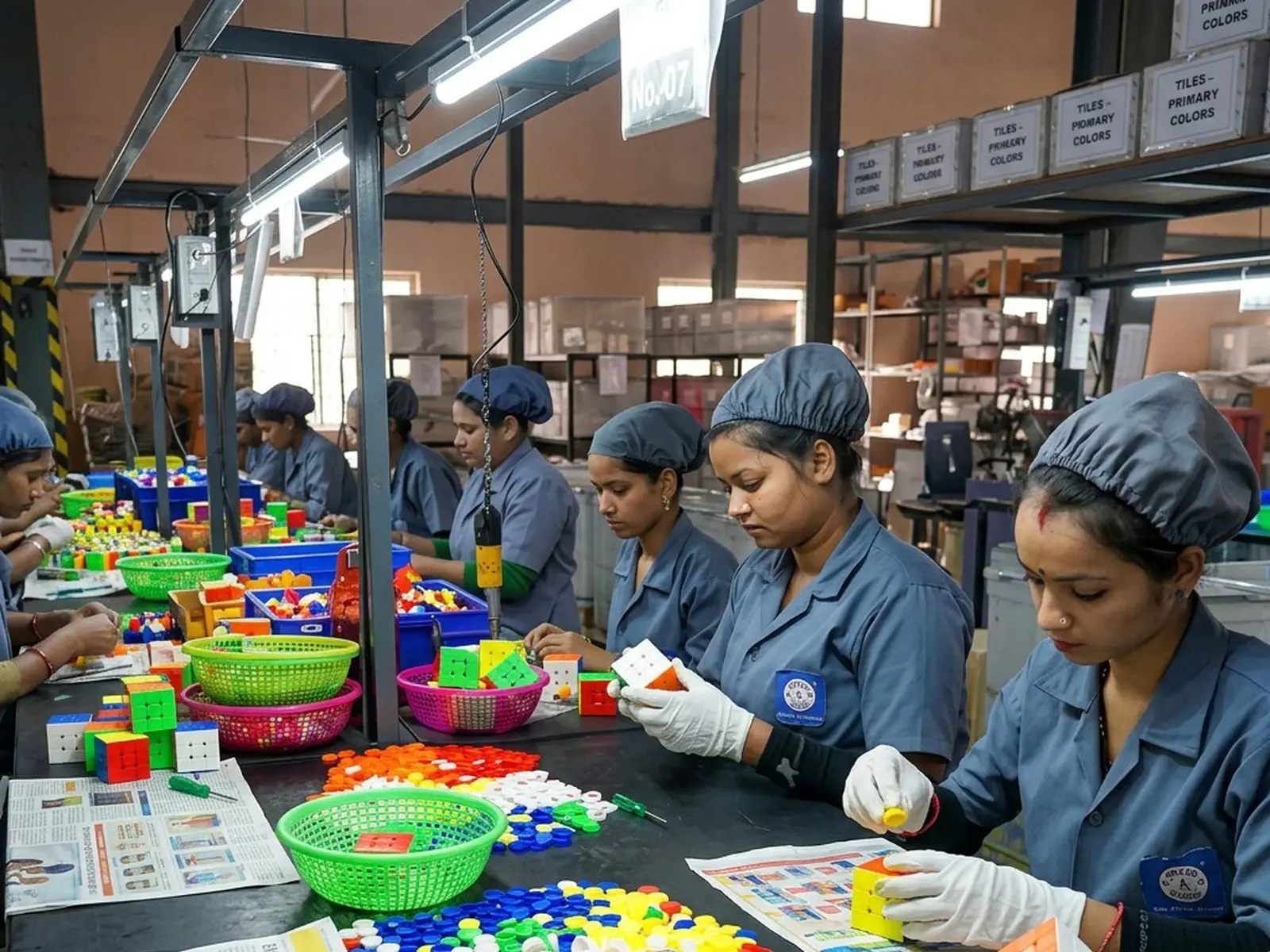
Toys and children's products
Small parts, points and edges, markings and packing, with evidence kept for every lot.
Where it usually gets stuckSafety defects that must reject the lot at once.
Frequently asked questions
Can a report be changed after it is issued?
No. The report is generated from the finished checklist and stays attached to it, with a record of who issued it and when.
Other features
See Traqer in your inspection process.
In 30 minutes, we show you how to set up a checklist template and a sampling plan for one of your products.
30 min · no commitment · reply within 1 business day